Anti-Sniper
Watch outside buyers on your token and sell, or stop your other tasks, when they take too much.
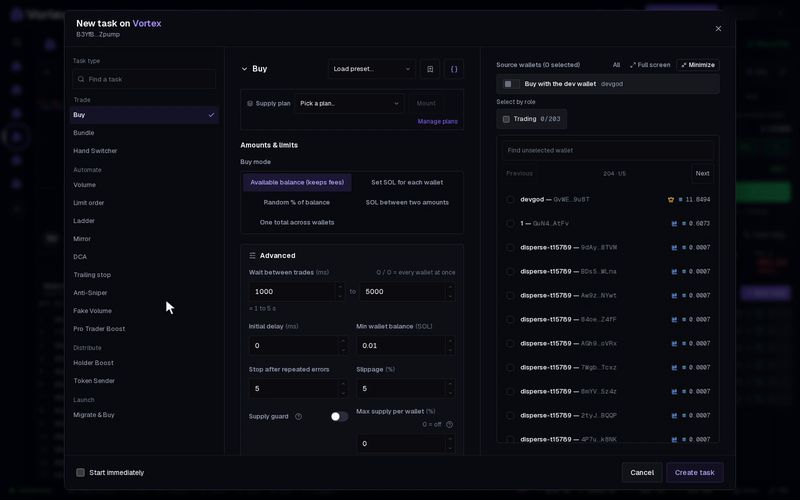
Anti-Sniper watches who else buys your token. When outside buyers hold too much of the supply, or spend too much, it acts once. It can sell all your tokens, or stop your other tasks on the token. It is made for the first minutes after a launch, when snipers buy in early.
How it decides#
- It counts only trades made after the task starts.
- Your own wallets never count as outside buyers. That means every wallet you have on this chain, not just the task's wallets.
- Addresses you list under Ignore buyers (addresses) never count either.
- When an outside wallet sells, its share goes down again.
- The spend threshold adds up only buys paid in SOL (ETH on Robinhood Chain). Buys in a pool priced in another token count toward the supply threshold only.
- The first threshold reached sets off the action. The action runs once, and then the task ends.
- If Monitor for runs out first, the task ends and does nothing.
Before you start#
- For Emergency sell all, the wallets you pick hold the token and a little SOL for fees.
- To guard a launch from its first block, add the task in the launch wizard (below).
Set up Anti-Sniper#
- Open the token in the terminal. In Tasks, press New task.
- Under Task type, pick Anti-Sniper.
- Set Supply threshold, Spend threshold, or both.
- Choose the Action.
- Pick the wallets. For Emergency sell all, these are the wallets it sells from.
- Press Create task, then Start.
There is no Preview for this task.
Add it to a launch#
- In the launch wizard, go to the Tasks step and add Anti-Sniper.
- Set it up as above.
- Turn on Auto-start at launch. The task then starts watching as soon as the token is made.
See Tasks step.
Key settings#
- Supply threshold — the share of the supply, in %, that outside buyers hold together.
- Spend threshold — the total SOL outside buyers spent on the token.
- Action — what happens when a threshold is reached:
- Emergency sell all sells every token in the task's wallets at once.
- Stop our buys stops every other running task you have on this token. It sells nothing.
- Sell from the dev wallet — shown for Emergency sell all. Off by default, so your dev wallet keeps its tokens. Turn it on to sell those too.
Under Advanced:
- Monitor for — how many seconds to watch. When it runs out, the task ends without selling. Leave it empty to watch until you stop the task.
- Total supply (raw) — leave it empty. The task then reads the supply from the chain.
- Ignore buyers (addresses) — wallets that are not snipers, such as a partner or a market maker.
- Slippage — default 50%. It is high so the sell goes through while the price falls.
- Priority fee — in SOL per wallet's sell. Default 0.00005 SOL, about five times the normal fee, up to 0.01 SOL. It helps the sell get into an early block. A sell that needs more compute pays a little more. See priority fee.
Emergency sell all sells everything at once, with up to 50% slippage. Your own sell pushes the price down, so you may get much less than the tokens were worth a moment before. Landed sells cannot be undone. See Real funds & confirms.
Stop our buys stops every other running task you have on this token. That includes sells, Volume and limit orders, not only buys. Start the ones you still need again by hand.
Troubleshooting#
- "Set a supply threshold and/or a spend threshold" — fill in at least one of the two.
- "wallet sell(s) failed or remain unconfirmed" — some sells did not land. The sells that did land stay done. Check the task log, then sell the rest from the Sell all control.
- The action never fired — buys from before the start do not count, and neither do your own wallets. A spend threshold also skips pools priced in another token.
Every setting#
Every option on the Anti-Sniper form
antisniper- Supply thresholdnumberoptional0–100 %External-holder % of supply that triggers the action. Set this and/or the spend threshold — the first limit reached triggers the action.
- Spend thresholdnumberoptionalTotal the outside buyers spent (gross buys on the coin-quoted pool) that triggers the action. Empty = supply threshold only.
- Actionchoicedefault Emergency sell allEmergency sell allStop our buys
- Monitor fornumberoptionalAuto-stop (no sell) after this window.
- Total supply (raw)numberoptionalPercentage denominator; from chain if blank.
- Keep creator wallet tokenstoggledefault offEmergency sell all leaves the dev-role wallets alone.
- Ignore buyers (addresses)addressesBuyers that never count as outside snipers (a partner, a market maker). Your own wallets never count.
- Slippagenumberdefault 50 %0.01–50 %
- Priority feenumberdefault 0.00005 SOL0–0.01 SOLsolana onlyPer wallet sell, priced at 200 000 compute units; a sell that needs more pays pro rata (a quote-token pair, 400 000, twice this). The default is 5× the normal swap fee so the dump lands early in the next block; the sell also skips the RPC preflight simulation.