CTO an existing token
Take over a token you did not launch here and trade it with your own wallets.
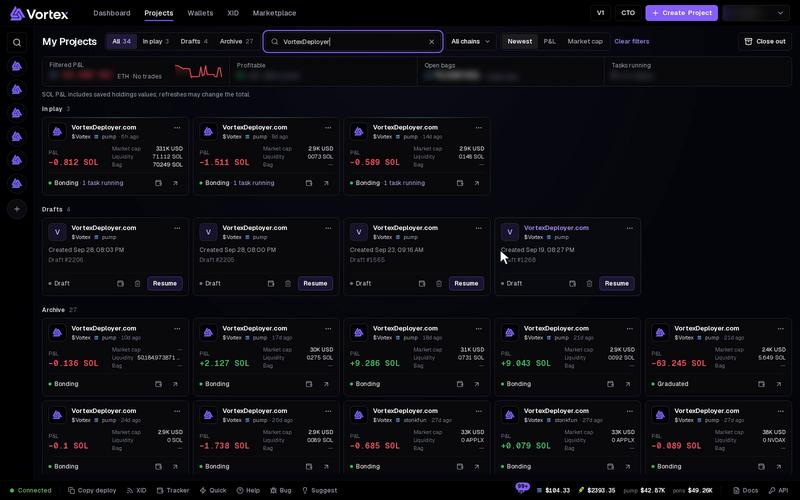
CTO lets you manage a token that already exists, made somewhere else or by someone else, with your own wallets. CTO means "community takeover". It makes a project for that token, so you get the terminal, tasks and P&L, just like for your own launch.
Before you start#
- You need the token's contract address.
- CTO does not launch anything. It costs nothing until you fund wallets or start trades.
Open CTO#
- On a wide screen, click CTO at the top of the app.
- On a smaller screen, open Projects and click CTO.
- On a phone, open the menu and tap CTO.
Step 1: Token mint#
- Paste the token's address into Mint address.
- Click Next: Wallet setup. The button shows "Finding token…" while it looks.
The app finds the token and makes the project. The chain comes from the address.
Step 2: Wallet setup#
- Add the wallets that will trade the token. Use the tiles at the top:
- Create — make new wallets.
- Import — paste private keys.
- Global — add wallets from your wallet pool.
- Click Fund to send SOL or ETH to them. See Fund wallets.
- Click Open Swap Manager. You need at least one wallet first.
There is no creator wallet to pick, because you did not make this token. The tiles work as on the Wallets step.
The terminal opens on the token with your wallets attached. From there, add tasks with New task, or trade by hand in the Trade panel.
CTO itself spends nothing. But every buy, sell and task after it uses real SOL or ETH, and pays the platform fee. See Platform fees & tiers and Real funds & confirms.
Troubleshooting#
- "Add at least one wallet to continue." — add a wallet with one of the tiles before you click Open Swap Manager.
- The token is not found — check that you pasted the full address, on the chain you expect.